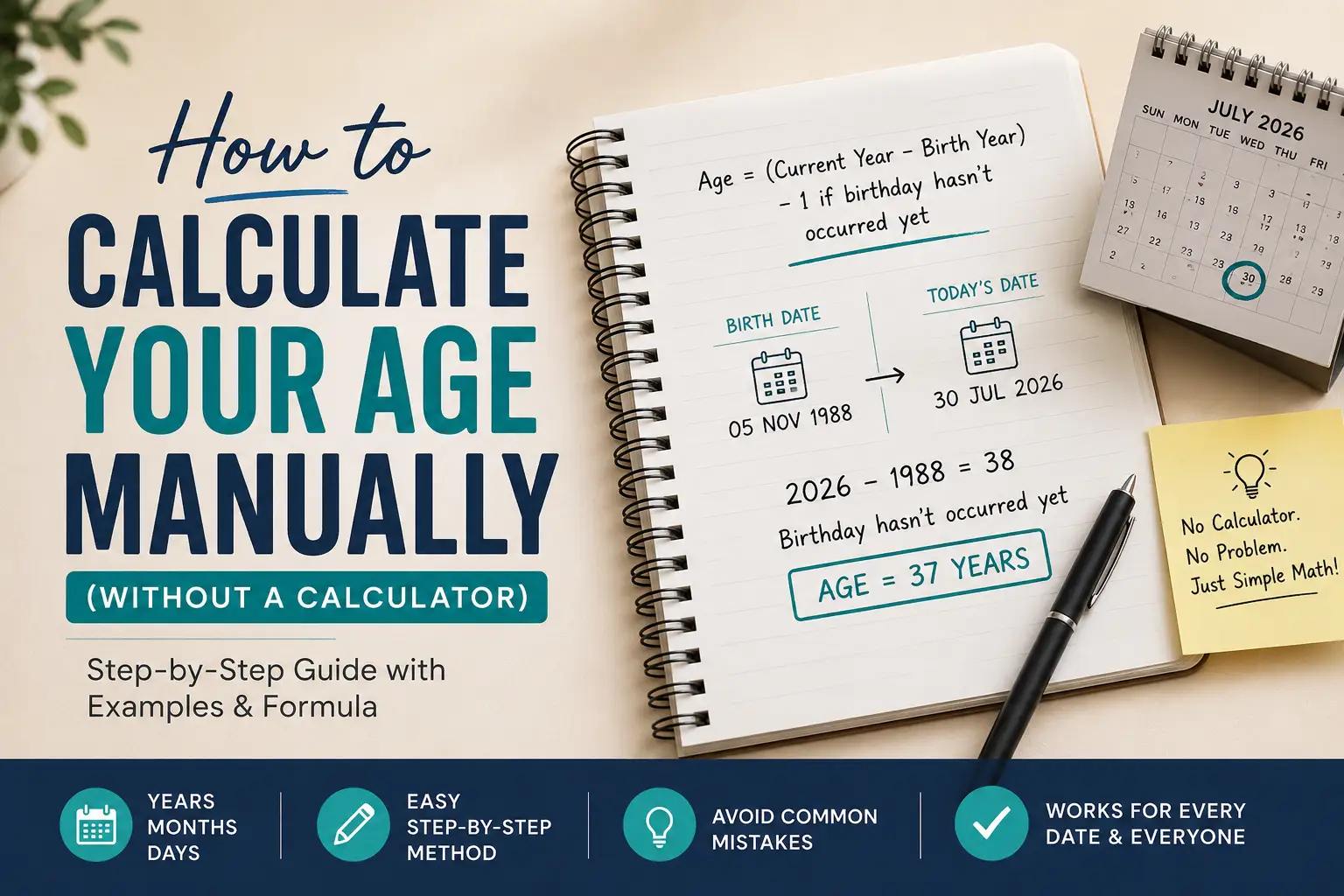
Knowing how to calculate age manually, without an app, a calculator, or an internet connection, is a genuinely useful skill. It’s how you double-check a form, verify what a calculator told you, or work out someone’s age from just a date of birth and today’s date. This guide covers the full method: not just years, but years, months, and days, with the exact formula, three worked examples, a leap-year edge case, and the mistakes that cause most manual calculations to go wrong.
Key Takeaways
- Manual age calculation is just date subtraction with one adjustment rule for whether the birthday has occurred yet.
- You can calculate age to three levels of precision: full years, years plus months, or years plus months plus days.
- Leap-day birthdays and varying month lengths are where manual math and calculators most often disagree, and both are covered below with worked examples.
- For everyday use, a calculator is faster; for verification, learning, or understanding forms and legal age requirements, doing it by hand is worth knowing.
Why Learn to Calculate Age by Hand?
Calculators and age-calculator tools get you an instant answer, but they don’t teach you why that answer is correct. Understanding the manual method matters if you:
- Need to verify an age on a legal document, school enrollment form, or eligibility check
- Want to understand why two calculators occasionally disagree by a day or a year
- Are teaching the concept to a student or child
- Simply don’t have a tool on hand and need a reliable answer
This guide follows standard Gregorian calendar date arithmetic, the same convention used by virtually all modern calendars and age calculators. For background on why this calendar has irregular month lengths and leap years in the first place, see our companion guide on Understanding the Gregorian Calendar and How Dates Work.
The Core Age Calculation Formula
At its simplest, the manual age calculation formula is:
Age = (Current Year minus Birth Year), minus 1 if this year’s birthday hasn’t occurred yet
That’s the entire formula for calculating age in full years. The complexity people run into isn’t the subtraction, it’s correctly determining whether “this year’s birthday” has already happened, which depends on comparing months and, when needed, days.
Method 1: The Subtraction Method (Years Only)
This is the fastest way to calculate age manually when you only need whole years.
| Step | What to do | Why it matters |
|---|---|---|
| 1 | Write both dates as YYYY-MM-DD | Keeps the comparison consistent |
| 2 | Subtract birth year from current year | Gives a starting age estimate |
| 3 | Compare birth month/day to today’s month/day | Determines if this year’s birthday has happened |
| 4 | Adjust the year count by minus 1 if the birthday hasn’t happened yet | Corrects the estimate to the true age |
The Adjustment Rule, in Full
| Comparison of birth month/day to today | Adjustment |
|---|---|
| Current month is later than birth month | No adjustment, keep the year difference |
| Current month is earlier than birth month | Subtract 1 from the year difference |
| Same month, current day is later or equal to birth day | No adjustment |
| Same month, current day is earlier than birth day | Subtract 1 from the year difference |
This table alone resolves nearly every non-leap-year case correctly, and it’s the fastest way to calculate age from a date of birth manually when precision to the day isn’t needed.
Method 2: Calculating Age in Years, Months, and Days
For more precision, the kind often needed for baby ages, legal eligibility windows, or medical and developmental contexts, you calculate the difference in three units at once, borrowing between them the way you’d borrow across columns in subtraction.
- Subtract the days. If the current day is smaller than the birth day, borrow one month, and add the number of days in the previous calendar month to the current day before subtracting.
- Subtract the months. If the current month is smaller than the birth month (after any borrowing from step 1), borrow one year, and add 12 to the current month before subtracting.
- Subtract the years. Straightforward subtraction once the borrowing above is resolved.
This is more arithmetic than most people want to do in their head, which is exactly why full day-level precision is usually left to a calculator, but it’s fully doable by hand with the steps above, and Worked Example 3 walks through it in full.
Worked Example 1: Standard Case (Years Only)
- Birth date: 1988-11-05
- Current date: 2026-07-30
| Step | Calculation | Result |
|---|---|---|
| Subtract years | 2026 minus 1988 | 38 |
| Compare month/day | November vs. July | July is earlier, so the birthday hasn’t happened yet |
| Adjust | 38 minus 1 | 37 years old |
Worked Example 2: The Leap-Year Edge Case
Leap-day birthdays (February 29) are where manual calculation and calculators most often disagree, because there’s no single universal rule for which date the birthday “counts as” in a non-leap year.
- Birth date: 2000-02-29
- Current date: 2026-07-30 (2026 is not a leap year)
| Step | Calculation | Result |
|---|---|---|
| Subtract years | 2026 minus 2000 | 26 |
| Compare month/day | Treat Feb 29 as either Feb 28 or Mar 1, by convention | Either way, July is later, so the birthday already passed |
| Adjust | No adjustment needed | 26 years old |
The genuinely tricky moment isn’t this example, it’s determining age on February 28 or March 1 in a non-leap year, where the “correct” answer depends on which convention you use. That’s covered in full, with both conventions explained, in What Happens If You’re Born on February 29?
Worked Example 3: Full Precision (Years, Months, and Days)
- Birth date: 1994-03-15
- Current date: 2026-07-30
Step 1, Days: 30 minus 15 = 15 days (no borrowing needed, since 30 is greater than or equal to 15)
Step 2, Months: 7 minus 3 = 4 months (no borrowing needed)
Step 3, Years: 2026 minus 1994 = 32 years
Result: 32 years, 4 months, 15 days
For a case where borrowing is needed, say the current date were 2026-02-10 against the same birth date of 1994-03-15, you’d borrow a month (since 10 is less than 15), giving you extra days from January, then borrow a year (since the adjusted month, 2, is still less than 3), giving you 12 extra months. It’s more steps, but the same logic applies every time.
Manual Method vs. Calculator: When Each Makes Sense
| Situation | Manual calculation | Calculator |
|---|---|---|
| Quick full-year estimate | Fast and reliable | Also fast |
| Precision to the month/day | Doable, more steps | Instant |
| Leap-day birthdays | Requires picking a convention | Depends on the tool’s convention |
| Verifying a form or legal document | Best for double-checking | Convenient but not always transparent about its method |
| Teaching the concept | Ideal | Not useful for this purpose |
| Time zone edge cases (near midnight) | Difficult to resolve by hand | Handled automatically by most tools |
For daily convenience, especially with leap years, exact day counts, or time zones involved, it’s faster to just use our free age calculator, which applies all of these rules automatically and consistently.
Common Mistakes to Avoid
| Mistake | Why it’s wrong | Fix |
|---|---|---|
| Dividing days lived by 365 | Ignores leap years entirely, drifting further off over time | Use the year-subtraction plus adjustment method instead |
| Forgetting to check month and day when they’re the same month | “Same month” doesn’t automatically mean the birthday passed | Always compare the day too when months match |
| Assuming leap-day birthdays “don’t count” until a leap year | Leads to a jump of multiple years in one year | Pick a convention (Feb 28 or Mar 1) and apply it consistently |
| Mixing date formats mid-calculation | Easy to misread day/month order (e.g., 03-04 as March 4 vs. April 3) | Stick to YYYY-MM-DD throughout |
| Forgetting to borrow when subtracting days or months | Produces a negative number instead of the correct adjusted value | Borrow from the next unit up, as shown in Method 2 |
| Using the wrong month-length when borrowing days | Some months have 28, 29, 30, or 31 days | Check How Many Days Are in Each Month (and Why)? before borrowing |
Frequently Asked Questions
What is the formula to calculate age manually? Subtract the birth year from the current year, then subtract 1 if this year’s birthday hasn’t occurred yet based on the current month and day.
Can I calculate age in years, months, and days without a calculator? Yes, subtract days, then months, then years, borrowing from the next larger unit whenever a value would go negative. See Method 2 and Worked Example 3 above for the full process.
Does this method work for calculating someone else’s age, like a child’s or baby’s? Yes. The same steps apply regardless of whose birth date is used, since it’s based purely on the two dates involved, not who they belong to.
How do I calculate age from date of birth manually if I don’t know today’s exact date? You can’t. Age is always relative to a specific reference date. The same birth date produces a different age depending on when the calculation is performed.
Why did my manual calculation give a different number than an online calculator? Usually it comes down to how the tool handles leap years, time zones, or the exact moment the day changes over. Why Age Calculators Don’t Just Divide by 365 breaks down the common mistakes this avoids.
Is there a quicker mental-math shortcut for estimating age? Yes, for a rough estimate: subtract the birth year from the current year. This is correct for roughly 8 to 9 months of the year and off by one during the remaining months, depending on when the birthday falls, which is exactly why the month/day comparison step matters for accuracy.
How is chronological age different from the number you get from this method? This method calculates chronological age, meaning time elapsed since birth. It’s distinct from biological age, which measures how the body has aged rather than how much time has passed. See Chronological Age vs Biological Age: What’s the Difference for that distinction.
What’s the fastest way to calculate age by hand for a form or document? Use Method 1 (the subtraction method) if only full years are needed; it takes under a minute with the adjustment table above. Only move to Method 2 if the form specifically requires months or days.
Final Thoughts
Manual age calculation comes down to one formula: subtract the birth year from the current year, then adjust by one based on whether the birthday has occurred yet, and, if more precision is needed, apply the same borrowing logic to months and days. The tables and worked examples above cover the standard case, the leap-year edge case, and full year/month/day precision, along with the mistakes that most commonly throw off the result. With this method, you can calculate any age accurately, by hand, in under a minute for full years or a few minutes for full precision.
5 thoughts on “How to Calculate Your Age Manually (Without a Calculator)”